Delivery
Free shipping with online delivery
Delivered by email within business hours; orders placed outside business hours are handled on the next working day
- Software download from the official website
- One activation code valid for one PC
- Issuance of an Italian electronic invoice with 22% VAT
- Installation and activation guide in Italian
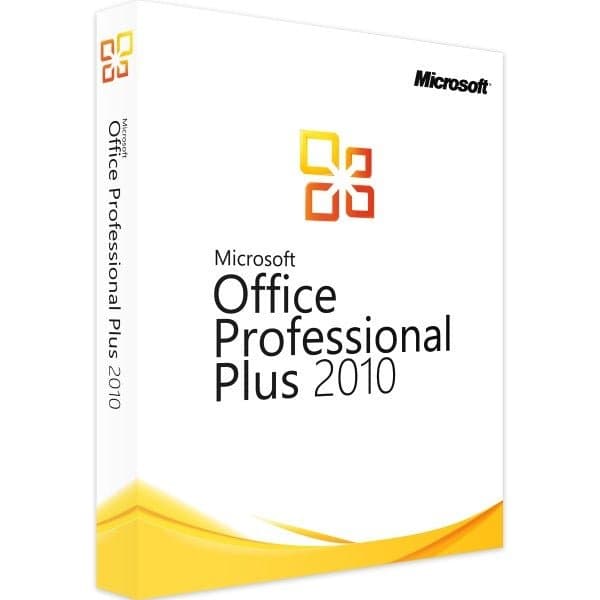
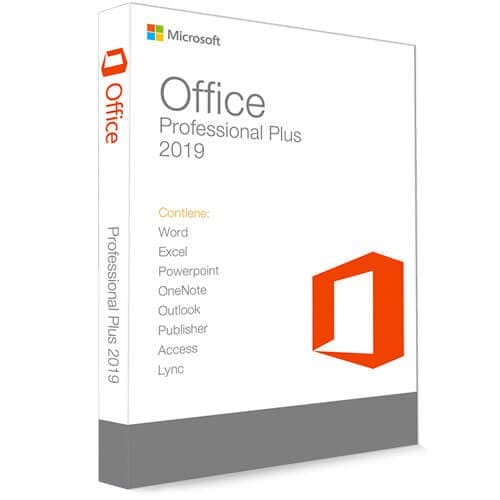
Anyone who buys a Microsoft Office 2010 Professional Plus key gets access to the most complete office software package from Microsoft. In addition to word processing and spreadsheets with Word, Excel, PowerPoint, Outlook, OneNote, Publisher and Access, the software package includes three additional applications optimised for use in both small and large businesses: InfoPath 2010, SharePoint Workspace 2010 and Lync 2010.
Software modules for simplified collaboration in professional environments: downloading Microsoft Office 2010 Professional Plus brings numerous advantages for professional users. This is mainly thanks to the exclusive InfoPath, SharePoint Workspace and Lync software packages. With InfoPath, users can now create XML-based forms and distribute them across a network, greatly simplifying the collection and storage of information, even in large organisations. With SharePoint Workspace 2010, collaborating on projects, coordinating tasks and centrally managing documents and content through the integrated content management system is easier than ever. Rounding out the software package that comes with downloading Microsoft Office 2010 Professional Plus is the Lync communication and telephony software, which can be used to hold video conferences with ease.
Web Apps and 64-bit Support
Compared to the previous version, the Seattle-based software developer behind Microsoft Office 2010 Professional Plus introduces, for the first time alongside the 32-bit version, a 64-bit version. Among other things, users with a 64-bit operating system benefit from improved performance and more efficient memory use. Gigabyte-sized Excel spreadsheets and databases, common in businesses, can therefore be processed considerably faster. Another new feature is Office 2010's web apps, which let you edit Word and Excel files previously saved to Windows Live directly in your browser.
Clearer User Guidance and Detail Improvements
For Microsoft Office 2010 Professional Plus, Microsoft also places great emphasis on consistent operations to make work processes more intuitive. This is partly down to the self-explanatory tile-based look, and partly to the tidy file menu, also known as the backstage view. The list view of recently edited documents, including a meaningful preview, is particularly handy. Microsoft Office 2010 Professional Plus has also become noticeably more comfortable at the level of its individual software components. Besides the live preview of text formatting, this also applies to the simplified "Copy and Paste" function, which now lets users paste content unformatted or in the format specified. Of particular interest to businesses is the extended functionality of the PowerPoint presentation software, which has been equipped with extensive audio and video editing. With their help, presentations can now be enhanced with professional graphics and animations and finally saved as a movie.
Microsoft Office 2010 Professional Plus Software Components:
Word 2010: Create and edit professional text documents with extensive design options.
Excel 2010: The most widely used software solution for data management and spreadsheets.
PowerPoint 2010: This presentation tool for creating high-quality presentations, with extensive multimedia features.
OneNote 2010: The virtual notebook for ideas, addresses and dates, finally bringing order to your desk.
Outlook 2010: Increase productivity by consolidating email accounts, calendars, contacts and appointments.
Publisher 2010: Design professional print products, advertising materials and other documents from a single source.
Access 2010: Create and manage powerful databases for both personal and business use.
InfoPath 2010: Design and manage XML-based forms for storing and collecting information.
SharePoint 2010: A web application for working on projects with colleagues and managing documents.
Lync 2010: Professional software for IP telephony and video conferencing.