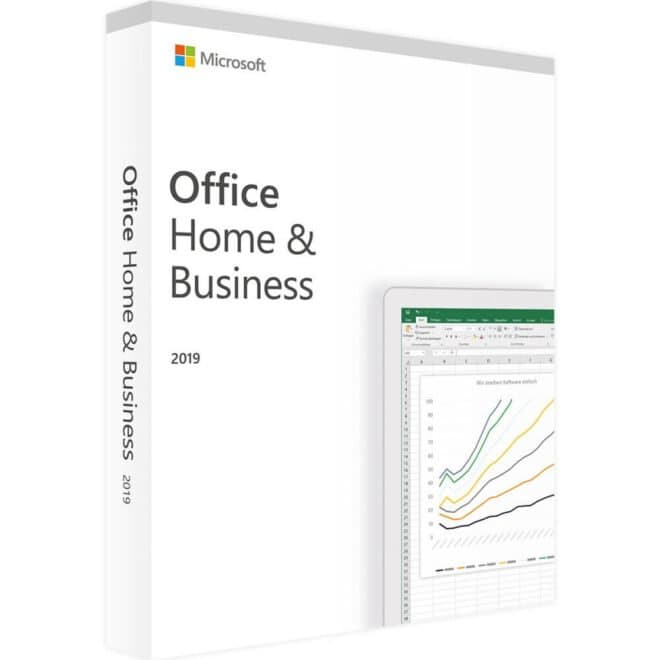
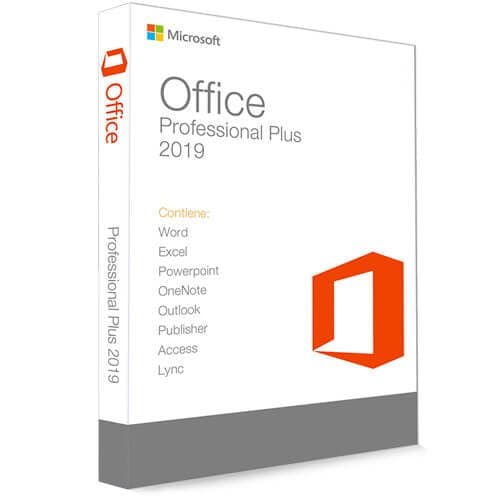
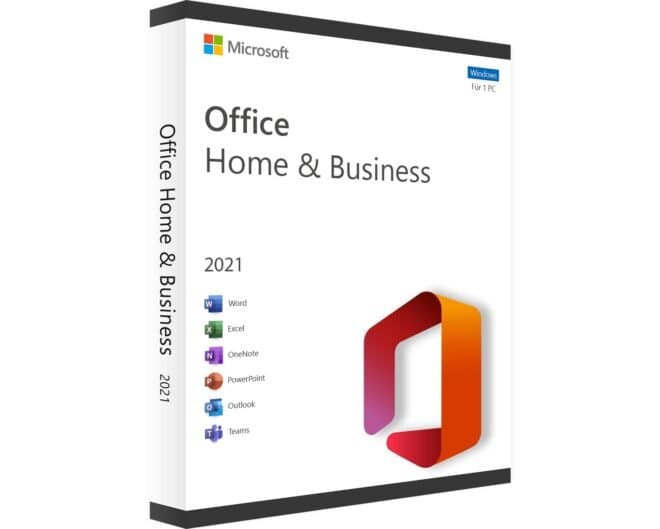
What programs are included in this Office?
The package includes the most widely used programs:
-
Word
-
Excel
-
Outlook
-
Power Point
What are the most important features of the Office 2019 Home & Business programs?
- Word 2019: the ideal software for creating documents, thanks to its countless features that apply to every type of text. This new version brings several improvements, from optimised virtual ink recognition (the feature that turns handwritten pen strokes into typed characters on screen) to voice input. Among the various specific refinements is the ability to embed even complex image files without requiring more memory, thanks to improved SVG graphics. Image processing has also been refined, along with resizing and other adjustments.
- Excel 2019: perfect for creating and managing spreadsheets and tables, letting you collect and analyse all kinds of data. This version's features have once again been improved: for example, new charts for visual information have been added, along with further built-in mathematical functions, while keeping the positives, such as excellent compatibility with CSV files.
- PowerPoint 2019: for turning your work into functional, visually appealing presentations. The new version not only lets you link Ultra HD images directly into presentations, but also freely resize graphics and zoom into images, minimising the need to edit them outside the software.
What are the main features of Office 2019 Home & Business?
The familiar Office software interface has stayed largely the same for more than ten years: thanks to that familiarity, it ensures a consistent workflow across every application, with a similar look everywhere, whether in Word, Excel, Outlook or elsewhere.
Office 2019 Home & Business is the perfect solution for anyone working from home or in the office: thanks to its wide range of programs, it offers solid, reliable solutions for managing every aspect of your work.
Frequently asked questions about Office 2019 Home & Business
What will I receive after purchase?
After placing your order, you'll receive an email containing the licence key and the instructions you need to download the setup file and install the program.
How long does the activation last?
The licence is perpetual, so it has no expiry date.
Who should I contact if I have a problem?
If you have any problems with the product or with receiving it, you can contact us by email at supporto@riparazioneassistenzaitalia.it, by phone on 09231950729, or book support on our website.
How many users can use the software with this licence?
The licence is valid only for all users of 1 device
Is the licence transferable from PC to PC?
The licence is tied to the hardware and is not transferable from PC to PC
Important Notes on Microsoft Licence Terms
All Microsoft licences have an activation expiry date, ranging from 7 to 30 days. For this reason, we recommend only buying the licence when you intend to activate it right away. If you decide to activate the licence after this period has expired, Riparazione Assistenza Italia cannot guarantee activation and will not accept any liability.
To find out the activation timeframe for a product, we always recommend calling our support number, which you'll find on our website.
| Licence |
|
Number of licences |
1 licence(s) |
| Features |
|
Language version |
ITA |
|
32/64-bit data processing |
Yes |
| System requirements |
|
Mac operating system compatibility |
Yes |
|
Minimum hard disk space |
4000 MB |
|
Minimum RAM |
4096 MB |
|
Minimum processor |
1.6 GHz, 2-core processor |
|
Minimum processor speed |
1600 MHz |