Delivery
Free shipping with online delivery.
Delivered by email within business hours; orders placed outside business hours are handled on the next working day.
- Software download from the official website
- One activation code valid for one PC
- Italian electronic invoice issued with 22% VAT
- Installation and activation guide in Italian
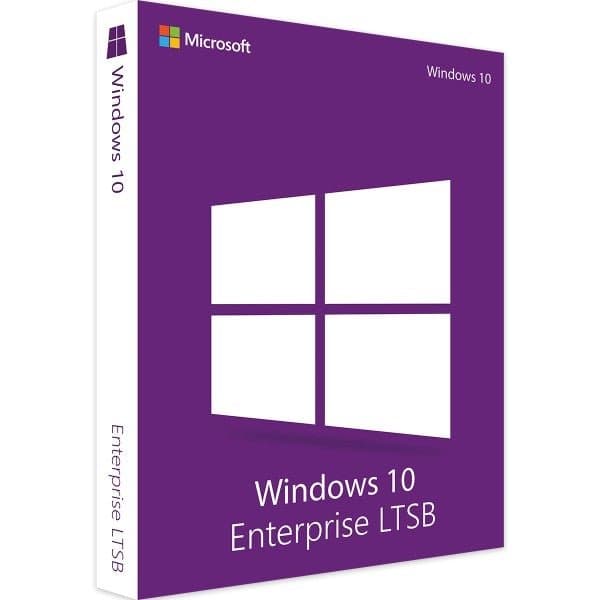
Windows 10 Enterprise LTSB is a special version of Windows 10 that lets business customers opt out of feature updates. It's designed for certain IT systems that need servicing updates lasting several years but don't use many Windows 10 applications. These include, for example, ATMs, POS systems or computers controlling medical equipment: computers that normally carry out just one specific, important task. For this reason, they don't need feature updates, which instead matter for typical office computers.
A stable, secure operating system for businesses
Computers that require Windows 10 Enterprise LTSB should be as stable as possible and protected from external threats. Changes to the user interface, on the other hand, matter little for these devices. For these reasons, the LTSC or LTSB licensing model stops computers from receiving the usual feature updates. Only the regular servicing updates needed for security are carried out. This is therefore a version of Windows 10 without Apps, Store, Cortana and Edge. Windows 10 Enterprise LTSB wouldn't make sense for everyday office use.
A version with long-term protection
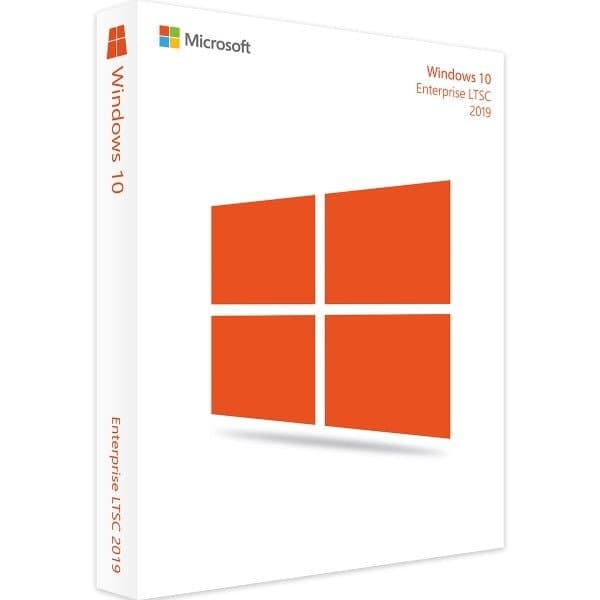
LTSB stands for "Long Time Servicing Branch", as it's a "branch" of the Windows operating systems with a lifespan of up to 10 years. 5 years is the standard period, and a further 5 years can be purchased as an extension. This servicing branch was renamed in 2018/2019 to "Long Term Servicing Channel" (LTSC). Unlike the normal "Semi-Annual Servicing Channel" used in the office, LTSC never receives feature updates. Instead, a new LTSC version of the operating system appears every two or three years. Users can decide whether to make this upgrade or keep the version they originally purchased for up to 10 years. What's more, with Windows 10 Enterprise LTSB, the workload for the company's IT staff is reduced to a minimum.
A lean operating system with no unnecessary apps
Every new version of Windows 10 Enterprise LTSB always supports the new generation of processors. This is guaranteed by the "Standard Silicon Support Policy" that the operating system's manufacturer adheres to. In this sense, there's always a version of this business operating system suited to newly designed processors. In essence, the LTSB version has the same features as the Semi-Annual Servicing Channel version of Windows 10 Enterprise. However, applications found on PCs meant for personal use, such as Outlook Mail, Calendar, OneNote, Weather or News, are left out. Windows 10 LTSC therefore boosts the performance of computers that, for example, are designed for machine management, telephone systems, or systems built into ATMs or multimedia kiosks.
An updated licensing model
Windows 10 Enterprise LTSB is sometimes also called "Windows 10 1809". This helps bring greater clarity between the various versions of Windows 10 for IT decision-makers. It's also worth knowing that in 2018 the maker of Windows merged its "Current Branch" and "Current Branch for Business" subscription models into a "Semi-Annual Channel". At the same time, the name LTSB became LTSC, but the long-term servicing principle remains the same. Infrequent updates mean fewer changes that could destabilise an IT system. IT staff therefore have less work and can focus on other tasks. Thanks to the small number of apps, individual software issues that could cause the whole system to crash are also reduced. This makes Windows 10 Enterprise LTSC a powerful operating system for the IT systems that form the important backbone of a working IT setup.
Processor 1GHz CPU, x86 or x64 processors and SoCs
Memory 1 GB (32-bit), 2 GB (64-bit)
Graphics card SVGA (32-bit per pixel)
Sound card no information
Hard disk 16 GB (32-bit), 20 GB (64-bit)
Display minimum resolution 800×600 pixels, recommended minimum 1366×768 pixels
Trusted Platform Module (TPM) – required
UEFI Secure Boot – required